The short answer
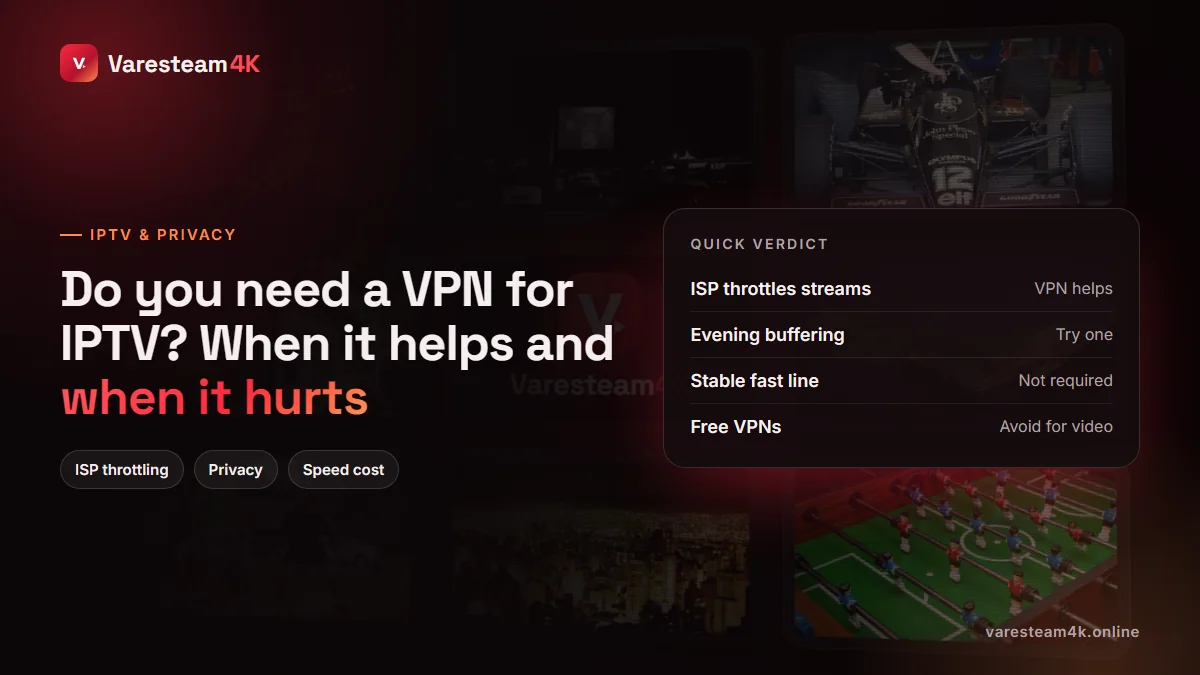
You do not need a VPN for IPTV to work. A good IPTV line plays perfectly on a normal connection. A VPN becomes useful in specific situations — mainly when your internet provider slows down or blocks video traffic, or when routing between your provider and the IPTV server is poor at certain times of day. Outside those cases it adds cost and a little delay for no benefit. The right move is to test, not to assume.
When a VPN genuinely helps IPTV
1. Your ISP throttles video streams
Some internet providers slow down traffic they recognise as video, especially during busy hours. A VPN encrypts your traffic so the provider cannot see what kind of data it is, and the throttle has nothing to grab hold of. The giveaway: streams buffer while speed tests look fine, and the problem disappears on mobile data.
2. Bad routing in the evening
Your data does not travel in a straight line. Sometimes the path between your ISP and a streaming server runs through a congested link at peak time. A VPN sends your traffic on a different path. If channels are perfect at noon and stutter at 9 pm every night, routing is a suspect — our buffering guide covers how to tell routing from Wi-Fi.
3. Networks that block streaming servers
Hotels, offices, universities and some ISPs block certain ports or servers outright. If the app cannot connect at all on one network but works on another, a VPN usually gets you through.
4. Privacy on shared or public Wi-Fi
On café or hotel Wi-Fi, a VPN stops other people on the network from seeing your traffic. That is good practice for any app, not just IPTV.
When a VPN makes IPTV worse
- On a line that already works. Encryption and the extra hop cost some speed — typically 5–20%, more on weak devices — and add a little delay to channel switching.
- On low-power sticks. Encrypting a 4K stream is real work for a cheap processor; older OpenVPN-based apps can cause the very stutter you were trying to cure.
- With a distant server. Connecting to a VPN server on another continent adds latency and often lowers throughput.
- With free VPNs. Bandwidth caps, overloaded servers and business models built on your data. Not suitable for hours of video.
A five-minute test: will a VPN help you?
- At the time your problem usually happens, play a busy live sports channel for five minutes. Note how often it buffers.
- Switch the same device to your phone’s mobile hotspot and repeat. If it is suddenly smooth, your home ISP is involved.
- Back on home internet, connect a reputable VPN to a server in a nearby country and repeat.
- If the VPN run is clearly smoother, keep it for IPTV. If it is the same or worse, the cause is elsewhere — usually Wi-Fi or the device.
How to set up a VPN for IPTV
On a Firestick or Fire TV
Most major VPNs have an app in the Amazon Appstore. Search for it, install, sign in, and choose a nearby server. Turn on the setting to connect at start-up so you do not forget. Then open your IPTV player as usual.
On Android TV and Google TV
Install the VPN from the Play Store. If it offers split tunnelling, you can route only your IPTV app through the VPN and leave everything else on the normal connection — the best of both.
In IPTV Smarters
Some versions of IPTV Smarters include a VPN option that imports an OpenVPN configuration file from your VPN provider. It works, but a dedicated VPN app is usually simpler and faster.
On the router
Running the VPN on the router covers every device in the house, including Smart TVs and Apple TVs that cannot run VPN apps well. It needs a router powerful enough to encrypt at your line speed; otherwise everything slows down.
What to look for in a VPN for streaming
| Feature | Why it matters for IPTV |
|---|---|
| WireGuard (or a WireGuard-based protocol) | Much faster and lighter on sticks than older protocols |
| Native Fire TV / Android TV app | No fiddly manual setup |
| Servers near you | Low latency, high throughput |
| Split tunnelling | Route only the IPTV app through the VPN |
| No bandwidth cap | A 4K match can use several GB |
| Clear no-logs policy | The whole point of privacy |
Frequently asked questions
No, IPTV works without one. A VPN helps when your ISP throttles or blocks streams, when routing is poor at peak times, or for privacy on shared networks.
Only when the buffering is caused by ISP throttling or routing. If the cause is Wi-Fi, the device or an overloaded server, a VPN will not help and may make it slightly worse.
A little, usually 5–20% of throughput with a nearby server and a modern protocol. On a fast line that is not noticeable; on a slow line or weak stick it can be.
Not recommended. Free VPNs usually cap data and speed, crowd their servers and may monetise your traffic. Video streaming exposes all three weaknesses.
Easiest: install your VPN’s own app on the device, connect, then open Smarters. Some Smarters versions can also load an OpenVPN file in their settings.
No. Varesteam4K works without a VPN. If your ISP throttles streams in the evening, test a VPN during your free trial using the five-minute method above.
The bottom line
A VPN is a fix for network problems, not a requirement for IPTV. Test first: if mobile data or a VPN makes peak-time viewing clearly smoother, keep one, choose a fast WireGuard-based service with a server near you, and use split tunnelling if you can. If not, look at your Wi-Fi and device instead.
Related reading: IPTV buffering but internet is fast · Internet speed for IPTV · Best device for IPTV