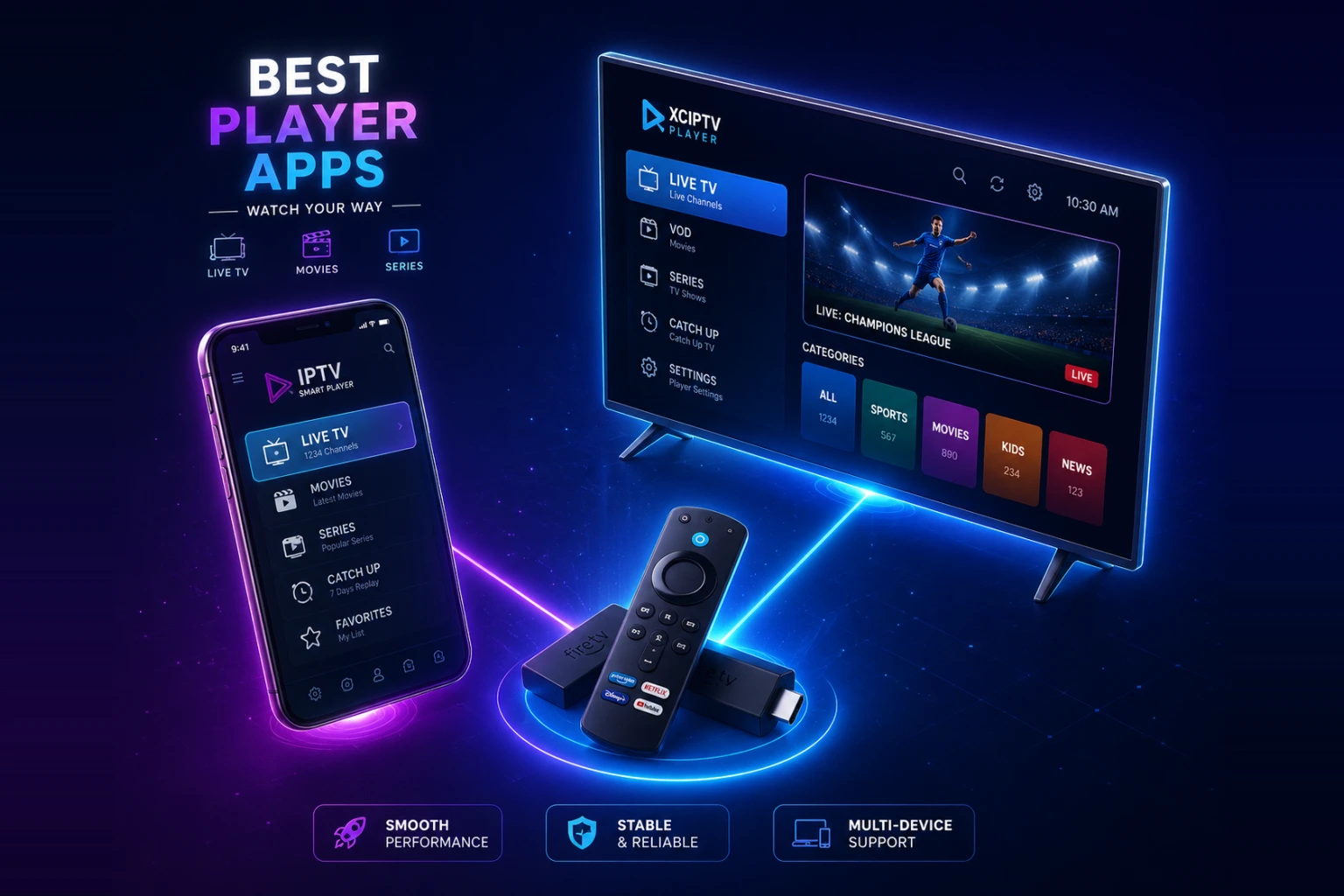
TL;DR: after testing every major player on Firestick, Android, iOS and Smart TV, the best IPTV player apps in 2026 are IPTV Smarters Pro and TiviMate for most users, with IBO Player Pro the best one-time-payment option. The app is only half the equation though — a great player needs a reliable service behind it like Varesteam4K with a real free trial. Below is how all seven ranked and which one fits your device.
What makes the best IPTV player app?
An IPTV player is the app that turns your subscription's M3U or Xtream Codes login into a clean, watchable interface — channel list, EPG (TV guide), catch-up and 4K playback. The provider supplies the channels; the player decides how good the experience feels. We judged every app on five things.
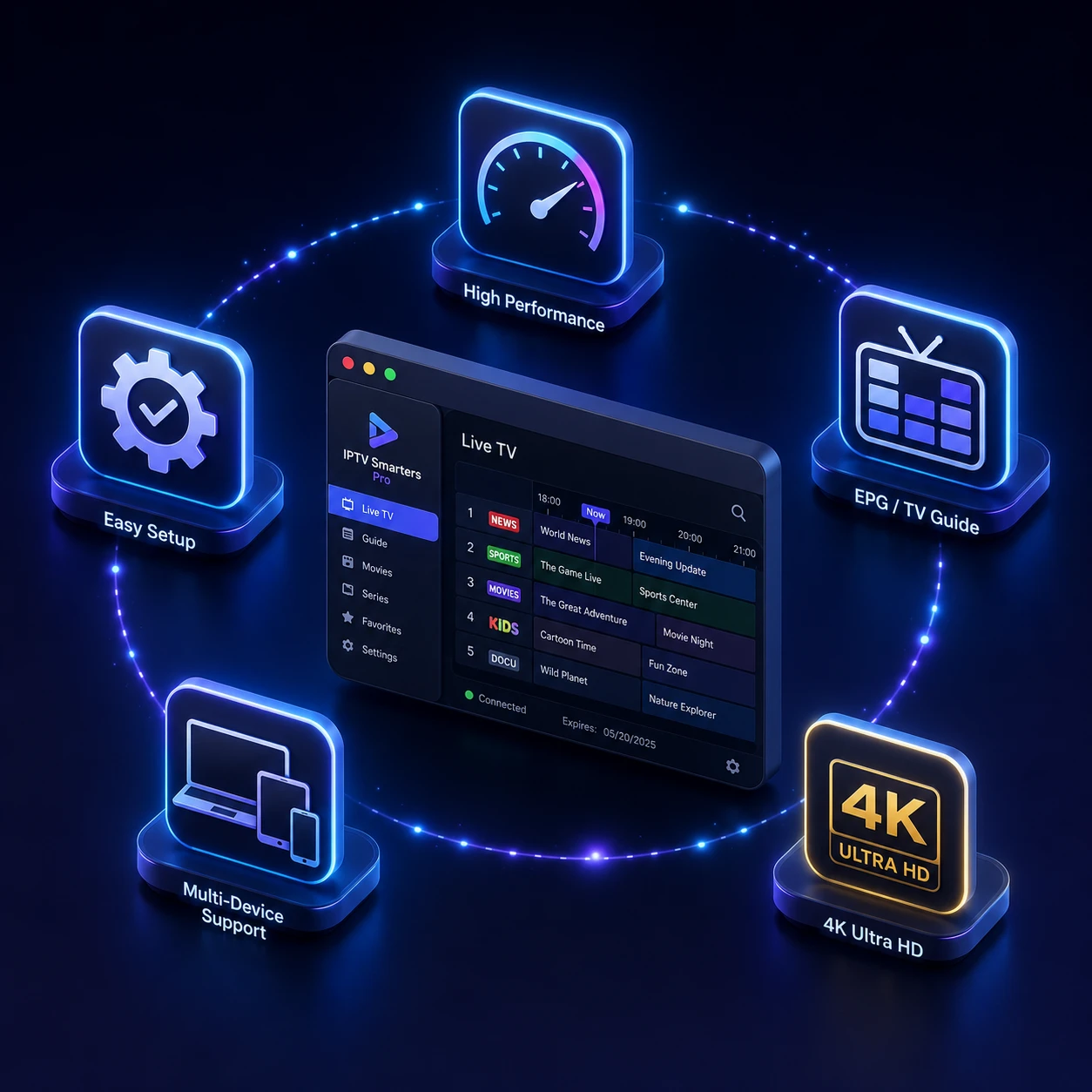
- Speed & zapping. How fast channels load and switch — the difference between "TV" and "buffering".
- EPG quality. A clean, accurate TV guide with catch-up support.
- 4K & codec support. Native 4K, HEVC/H.265 and HDR without stutter.
- Device coverage. Firestick, Android TV, iOS, Apple TV, Smart TV and Windows.
- Ease of setup. How quickly a beginner gets from login to live TV.
The top 7 best IPTV player apps in 2026 — ranked

#1. IPTV Smarters Pro — best overall for beginners
IPTV Smarters Pro is the most popular IPTV player in the USA and Canada for a reason: it just works. Add your Xtream Codes login or M3U URL, and you get live TV, movies, series and a built-in EPG in one clean layout. It runs on Firestick, Android, iOS, Apple TV and Windows, supports external players for 4K, and has a parental lock. For 90% of users this is the easiest starting point — our installation guide walks through it step by step.
#2. TiviMate — best for power users (Android & Firestick)
TiviMate is the enthusiast's favourite. The interface looks like a premium cable box, the EPG is the best in the business, and recording plus catch-up are excellent on the Premium tier. The catch: it is Android-only (Firestick, Android TV, Android boxes) — no iOS. If you stream on a Firestick and want the slickest guide available, TiviMate wins.
#3. IBO Player Pro — best one-time payment
IBO Player Pro charges a small one-time activation fee instead of a subscription, which makes it a favourite on Smart TVs (Samsung, LG) and Firestick. Stable playback, clean layout, and no recurring app cost. You activate the device once on the IBO website and load your playlist — done.
#4. Smarters Player Lite — best for iPhone & Apple TV
The Apple-friendly sibling of Smarters Pro, available right on the App Store with no sideloading. If you are on iPhone, iPad or Apple TV, this is the cleanest legitimate route to your playlist.
#5. XCIPTV Player — best for customization
XCIPTV is highly configurable — multi-screen, Chromecast, external player hooks and themes. A bit more setup than Smarters, but powerful for users who like to tweak everything.
#6. Sparkle TV / Flix IPTV — best for Smart TVs
Lightweight players built for Samsung Tizen and LG webOS that do not choke older Smart TV hardware. Ideal if you want IPTV without buying a Firestick.
#7. VLC Media Player — best free backup
Not a true IPTV app, but VLC opens any M3U playlist for free on every platform. No EPG and a plain channel list, so use it as a backup or a quick test — not your daily driver.
Best IPTV player apps — quick comparison
| App | Best for | Platforms | EPG | Cost |
|---|---|---|---|---|
| IPTV Smarters Pro | Beginners (overall) | All | Yes | Free |
| TiviMate | Power users | Android / Firestick | Best-in-class | Free + Premium |
| IBO Player Pro | One-time payment | Smart TV / Firestick | Yes | One-time fee |
| Smarters Player Lite | iPhone / Apple TV | iOS / tvOS | Yes | Free |
| XCIPTV | Customization | Android / Fire | Yes | Free |
| Flix / Sparkle | Smart TVs | Tizen / webOS | Yes | Low fee |
| VLC | Free backup | All | No | Free |
Which IPTV player should you use? (by device)
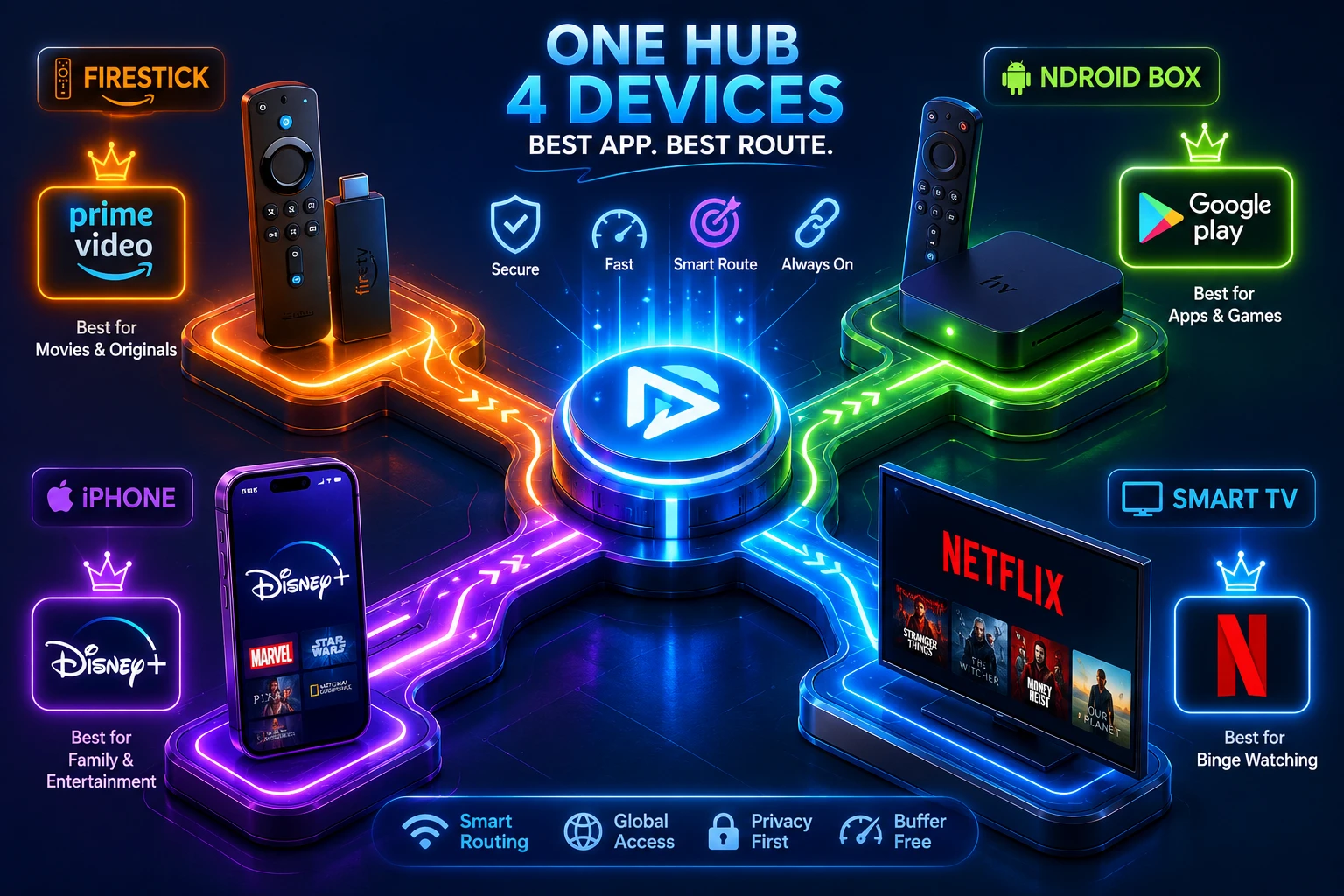
- Amazon Firestick / Fire TV: TiviMate (power) or IPTV Smarters Pro (easy).
- Android phone / box / Android TV: TiviMate or XCIPTV.
- iPhone, iPad, Apple TV: Smarters Player Lite.
- Samsung / LG Smart TV: IBO Player Pro or Flix IPTV.
- Windows / Mac PC: IPTV Smarters Pro or VLC.
Step-by-step setup for each device: IPTV Smarters Pro on Firestick, Samsung and LG Smart TVs, Apple TV and iPhone, MAG and STB Emulator — and if Smarters is not working out for you, our IPTV Smarters alternatives comparison goes deeper on TiviMate, OTT Navigator, Sparkle TV and the rest. Using a Roku? Read your options on Roku first.
The app is only half the story
Even the best player will buffer if the service behind it is weak. A premium app loading a cheap, oversold playlist still freezes during a live game. That is why we recommend pairing your player with a stable, anti-freeze service. Varesteam4K delivers 80,000+ channels in true 4K with 99.9% verified uptime and works natively with every app on this list. Browse the full channel list, check the plans, then load the playlist into your favourite player above.
Frequently asked questions

IPTV Smarters Pro is the best all-round IPTV player for most users because it is free, easy and runs on every device. Power users on Android or Firestick prefer TiviMate for its superior EPG and recording.
TiviMate offers the best experience on Firestick, with IPTV Smarters Pro the easiest for beginners. Both install in minutes — see our setup guide.
Most are. IPTV Smarters Pro, Smarters Player Lite, XCIPTV and VLC are free. TiviMate has a free tier plus an optional Premium upgrade, and IBO Player Pro charges a small one-time activation fee. The player is free — you still need a subscription for the channels.
No. An IPTV player is just the interface. You load your own M3U URL or Xtream Codes login from a provider like Varesteam4K. Start with a free trial to get a playlist instantly.
Smarters Pro is cross-platform (including iOS) and simpler for beginners. TiviMate is Android and Firestick only, but has a better TV guide, recording and a more premium interface.
The bottom line
For most people in the USA and Canada, IPTV Smarters Pro is the best IPTV player to start with, and TiviMate is the upgrade once you want the slickest guide on Firestick. But remember — the app is only as good as the service feeding it. Pair your player with Varesteam4K and test it free during a live game. Start the free trial, load it into any app above, and you will be streaming in under 10 minutes.
Related reading: Install IPTV on a Firestick · How much speed IPTV needs · Watching sport without cable · IPTV username & password · What is EPG? · Best streaming device for IPTV