IPTV stands for Internet Protocol Television: live TV channels and on-demand films delivered over an internet connection instead of a satellite dish, an aerial or a coaxial cable. The programme is the same; only the road it travels on is different. Your television, stick or phone receives the picture as data packets — the same way it receives a YouTube video — and a player app turns those packets back into a channel you can flick through.
That one change has big consequences. There is no dish to mount and no engineer to wait for. The same subscription works on the living-room TV, a phone on the train and a laptop in a hotel. And because the “cable” is the internet connection you already pay for, the price of the television part can drop a long way.
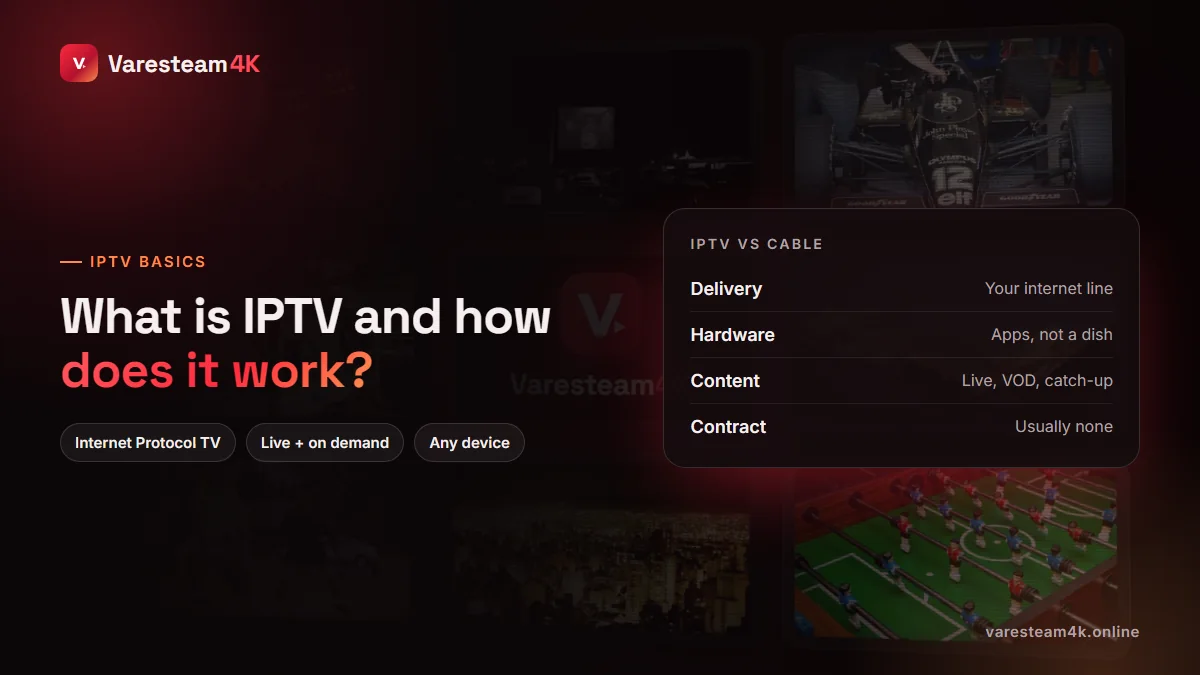
What IPTV means, in one paragraph
“Internet Protocol” is simply the set of rules every device on the internet uses to send data. “Television” is the content. Put together, IPTV is any system that sends TV channels using those internet rules. That definition is broader than most people expect: the TV service from a phone company such as AT&T, BT or Orange is IPTV, YouTube TV and Sling are IPTV, and the subscriptions sold under names like Varesteam4K are IPTV too. What separates them is who runs the network and which channels they carry — not the underlying technology.
How IPTV works, step by step
Strip away the jargon and every IPTV service does the same four jobs.
Capture
Channels are received at a central point called the head-end, from satellites, fibre feeds or direct contracts with broadcasters.
Encode
Each feed is compressed with a video codec such as H.264 or H.265 and cut into small chunks, usually at several quality levels (SD, HD, Full HD, 4K).
Distribute
The chunks are pushed to servers placed close to viewers. A good service spreads load across many servers so one busy match does not slow everyone down.
Play
Your player app requests the chunks one after another, keeps a few seconds in a buffer, and plays them back as a continuous stream.
The buffer in step four is the reason IPTV can survive small hiccups in your connection: the app is always a few seconds ahead. It is also why most buffering problems are local — Wi-Fi, a busy evening network or a struggling device — rather than the channel itself. Our guide to IPTV buffering on a fast connection walks through the usual culprits.
Managed IPTV vs over-the-top IPTV
There are two delivery models. Managed IPTV runs inside a telecom operator’s own network — the TV box your broadband provider rents you — and can use multicast, where one stream feeds thousands of homes at once. Over-the-top (OTT) IPTV travels across the open internet to any device, one stream per viewer. Almost every subscription you can buy online and use on a Firestick or Smart TV is the OTT kind.
The three kinds of IPTV content
| Type | What it is | Example |
|---|---|---|
| Live TV | Channels broadcast in real time, with a TV guide (EPG) | A Premier League match, the evening news |
| Video on demand (VOD) | A library of films and series you start whenever you like | A new release, a full season of a series |
| Time-shifted TV (catch-up) | Live programmes kept on the server for a few days so you can watch them later | Last night’s match, replayed this morning |
Most subscriptions combine the first two. Catch-up depends on the provider keeping an archive for each channel; we explain how it works, and how it differs from recording, in IPTV catch-up and DVR explained.
IPTV vs cable, satellite and streaming apps
| Cable / satellite | Streaming apps | IPTV subscription | |
|---|---|---|---|
| How it arrives | Coax cable or dish | Internet | Internet |
| Live channels | Yes, regional packages | Few or none | Yes, often international |
| On-demand library | Limited | Large, one studio each | Large, mixed |
| Hardware | Rented box, installer | Any smart device | Any smart device |
| Contract | Often 12–24 months | Monthly | Prepaid, no contract |
| Watch abroad | Rarely | Catalogue changes by country | Usually yes |
| Typical cost | $80–150+ / month | $8–25 per app | $10–20 / month |
The honest trade-off: cable and satellite do not depend on your broadband, so a weak internet line favours them. Streaming apps are excellent for their own shows but rarely carry live sport or international channels. IPTV subscriptions sit in between — live channels from many countries plus a large film library, at a fraction of cable pricing, as long as your connection is stable. We break the money side down in how much IPTV costs.
What you need to watch IPTV at home
- An internet connection. Around 15 Mbps for HD, 25 Mbps for Full HD and 35 Mbps or more for 4K — and, more importantly, a stable one. See what internet speed IPTV needs.
- A device. A Smart TV, Fire TV Stick, Android TV box, Apple TV, phone, tablet or computer. If your TV is old or its app store is poor, a $30–60 stick fixes that — our best streaming device for IPTV guide compares the options.
- A player app. IPTV Smarters, TiviMate, OTT Navigator, IBO Player and similar. Players contain no channels; they display the ones your subscription provides. Our ranking of the best IPTV player apps helps you pick.
- A subscription. The service that actually supplies the channels, and sends you the login.
Xtream Codes, M3U links and portals: the three ways to log in
When you subscribe, the provider sends your access in one of three formats, and your app asks for one of them.
| Format | What you receive | Best for |
|---|---|---|
| Xtream Codes API | Server URL, username, password | Most apps; tidy categories, VOD and guide load automatically |
| M3U playlist | One long link (often containing get.php) | Players that only accept a playlist URL, such as VLC |
| Portal (Stalker) | A portal URL, linked to your device’s MAC address | MAG boxes and STB Emulator |
They are three wrappers for the same subscription. If you want the detail, read what an M3U playlist is, how IPTV usernames and passwords work and our MAG box and STB Emulator setup guide.
Is IPTV legal?
IPTV as a technology is completely legal — it is how phone companies and big streaming brands deliver live TV today. Whether a particular service is legal depends on whether it holds the rights to the channels it distributes and on the law where you live, and those rules differ a great deal between countries. The sensible approach is to read your provider’s terms, check the rules in your own country, and be wary of anything that looks too good to be true, such as “free” lines shared on forums, which also tend to stop working within days.
How to choose an IPTV service
Channel counts are the least useful number on any IPTV sales page — nobody watches 80,000 channels. These are the things that separate a service you keep from one you abandon after a month:
- A real free trial. On the full line, long enough to cover an evening. If a provider will not let you test, assume there is a reason.
- Stability at peak time. Test live sport between 8 and 10 pm, when everyone is watching.
- Your channels, not their count. Check the five channels you watch most, in your language.
- Reachable support. Send a question before paying and time the reply.
- Clear prices and terms. One price per plan, no surprise “activation fees”, a written refund policy.
- Payment you can trust. Options with some buyer protection, and a receipt.
That checklist is exactly why Varesteam4K runs a 24-hour free trial on a full line: it lets you answer every point above on your own TV before you spend anything.
Frequently asked questions
IPTV stands for Internet Protocol Television: TV channels and on-demand video delivered over an internet connection rather than through a satellite dish, aerial or cable.
Netflix is on-demand only: you choose a title and press play. IPTV usually adds live channels that run on a schedule — news, sport, local TV — with a programme guide, alongside an on-demand library.
No. A Smart TV, Fire TV Stick, Android box, Apple TV, phone or computer is enough. You install a player app and enter the login from your subscription.
It needs stable internet more than fast internet. 15 Mbps is enough for HD and 25 Mbps for Full HD; 4K needs about 35 Mbps. A wired connection or good Wi-Fi matters more than the headline speed.
Yes, up to the number of simultaneous connections your plan includes. You can install the same login on many devices; the limit applies to how many play at the same moment.
Generally yes, because it only needs an internet connection. Speed and stability depend on the network where you are, so test on hotel or mobile connections before relying on them.
Use a free trial on your main TV during an evening. Watch live sport, check your own channels and the guide, and contact support once to see how fast they answer.
The bottom line
IPTV is television that arrives through your internet connection and plays in an app. It removes the dish, the box and the contract, and it puts live channels and a film library on every screen you own. The technology is mature; what varies is the service behind it. Judge that service on a real trial, at peak time, on your own TV.
Related reading: How to get IPTV · Best IPTV player apps · How much IPTV costs · What is EPG?