The question we hear most after “which plan?” is “which device?” — usually from someone whose Smart TV app keeps freezing on a big channel list. The good news: you do not need anything expensive. The best streaming device for IPTV is the one that runs a good player smoothly, connects reliably to your network, and has enough memory to hold a full channel list and guide without stuttering.
What matters in an IPTV device
- App support. Can it run TiviMate, IPTV Smarters, OTT Navigator? Android-based devices (Fire TV, Google TV, Android TV) run everything; Apple TV runs App Store players; Roku runs almost none.
- Memory (RAM). A 30,000-channel list plus a 7-day guide is heavy. 2 GB is the practical minimum; more is noticeably smoother.
- Network. An ethernet port, or at least Wi-Fi 6, matters more than raw processor speed. Most “IPTV buffering” is really Wi-Fi.
- Video decoding. HEVC (H.265) and 4K support for UHD channels; frame-rate matching for smooth 50 fps sport.
- Storage. Only important if you want to record — see catch-up and DVR.
The best IPTV devices at a glance
| Device | Best for | Network | Players | Rough price |
|---|---|---|---|---|
| Fire TV Stick 4K Max | Best overall | Wi-Fi 6E (ethernet via adapter) | All Android players (sideload) | $45–60 |
| Google TV Streamer / onn 4K Pro | Best Google TV | Wi-Fi + built-in ethernet | Play Store players | $50–100 |
| Nvidia Shield TV Pro | Power users, recording | Gigabit ethernet | Everything, fastest | $180–200 |
| Apple TV 4K | Apple households | Wi-Fi 6 + ethernet (128 GB model) | App Store players | $130–150 |
| Formuler (Z11 range) | IPTV-first box | Ethernet | MyTVOnline + Android | $130–170 |
| Fire TV Stick HD | Tight budget | Wi-Fi 5 | All Android players | $25–35 |
Prices vary by country and promotion; treat them as a guide.
The six best devices for IPTV, in detail
1. Amazon Fire TV Stick 4K Max — best overall
The most popular IPTV device in the world for good reasons: it is cheap, fast enough for any player, decodes 4K HEVC, and its Wi-Fi 6E radio is excellent on a modern router. IPTV players are installed with Downloader, which takes ten minutes the first time — our Smarters on Firestick guide shows the full process. Add Amazon’s ethernet adapter if the router is far away.
2. Google TV Streamer or onn 4K Pro — best Google TV option
Google TV devices give you the Play Store directly, so TiviMate, OTT Navigator and Sparkle TV install with one click — no sideloading. The Google TV Streamer and Walmart’s onn 4K Pro both include ethernet, which is a real advantage for stable live sport.
3. Nvidia Shield TV Pro — best for power users
Old but still the fastest Android TV device you can buy: gigabit ethernet, 3 GB of RAM, USB ports for recording drives, and excellent upscaling. Overkill for most people, ideal if you record a lot or run huge lists in TiviMate.
4. Apple TV 4K — best if you live in Apple’s world
Fast, silent, beautifully made, with frame-rate matching that makes sport look its best. Players come from the App Store (iPlayTV, IPTVX and others); you cannot use TiviMate. Choose the model with ethernet. Setup is covered in IPTV on Apple TV.
5. Formuler Z11 range — the IPTV-first box
Formuler boxes are built around IPTV, with the MyTVOnline interface pre-installed, ethernet, and a remote with proper channel and guide buttons. A good choice if you want something that feels like a cable box rather than a streaming stick.
6. Fire TV Stick HD — best on a tight budget
It works, it is cheap, and it is fine for HD channels on a single TV. Expect slower scrolling through big lists and no 4K. If you can stretch the budget, the 4K Max is worth the difference.
What to avoid
- No-name Android boxes with “fully loaded” claims. Outdated Android versions, fake specifications, and pre-installed apps you did not ask for.
- Very old Smart TVs as your main player. Their processors and app stores were never meant for IPTV; see Smart TV options.
- Roku, if IPTV is the main goal. No sideloading and no proper players — explained in IPTV on Roku.
- Devices with 1 GB of RAM. They will load your list, slowly, and then struggle every evening.
Five ways to make any IPTV device faster
- Use ethernet or put the router in the same room.
- Hide channel groups you never watch so the app handles a smaller list.
- Limit the guide to 2–3 days on low-memory sticks.
- Uninstall unused apps and clear the player’s cache occasionally.
- Restart the device weekly; sticks left on for weeks gradually slow down.
Still buffering after that? Work through our buffering checklist.
Frequently asked questions
For most people, the Fire TV Stick 4K Max: inexpensive, fast, 4K-capable and able to run every major IPTV player. Google TV devices with ethernet are an excellent alternative.
Yes, it is the most widely used IPTV device. The 4K Max model handles large channel lists comfortably; the cheaper HD model is fine for a single TV in HD.
No. Any Android-based stick, an Apple TV, a Smart TV with a good app, a phone or a computer can play IPTV. A box only helps if you want ethernet, USB recording or more power.
Very good, with App Store players such as iPlayTV. The only downside is that Android-only players like TiviMate are not available.
2 GB is the practical minimum for a large list and guide; 3 GB or more feels noticeably smoother when scrolling and switching channels.
Yes. Varesteam4K works on every device in this guide. Tell us which one you have when you request the free trial and we send the right login format.
The bottom line
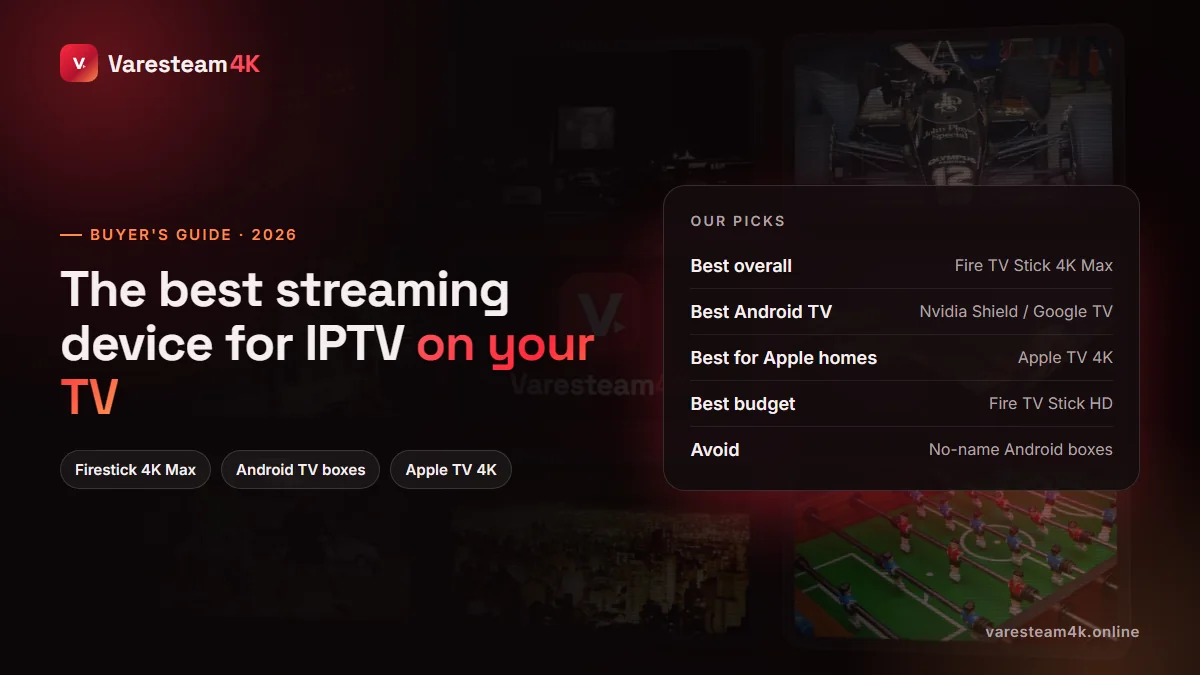
The best streaming device for IPTV is usually a Fire TV Stick 4K Max, a Google TV device with ethernet if you want one-click app installs, or an Apple TV 4K in an Apple home. Whatever you choose, connect it well and keep the list lean, and it will outperform most Smart TV apps.
Related reading: Smarters on Firestick · IPTV Smarters alternatives · Internet speed for IPTV · How to get IPTV