Can you watch IPTV on a Samsung Smart TV? Yes, and on LG too. The TV just needs a player app from its own store, and your subscription’s login. The catch is that Samsung and LG run their own operating systems — Tizen and webOS — so the apps you may know from Android or Fire TV are not always there, and the ones that are often work a little differently.
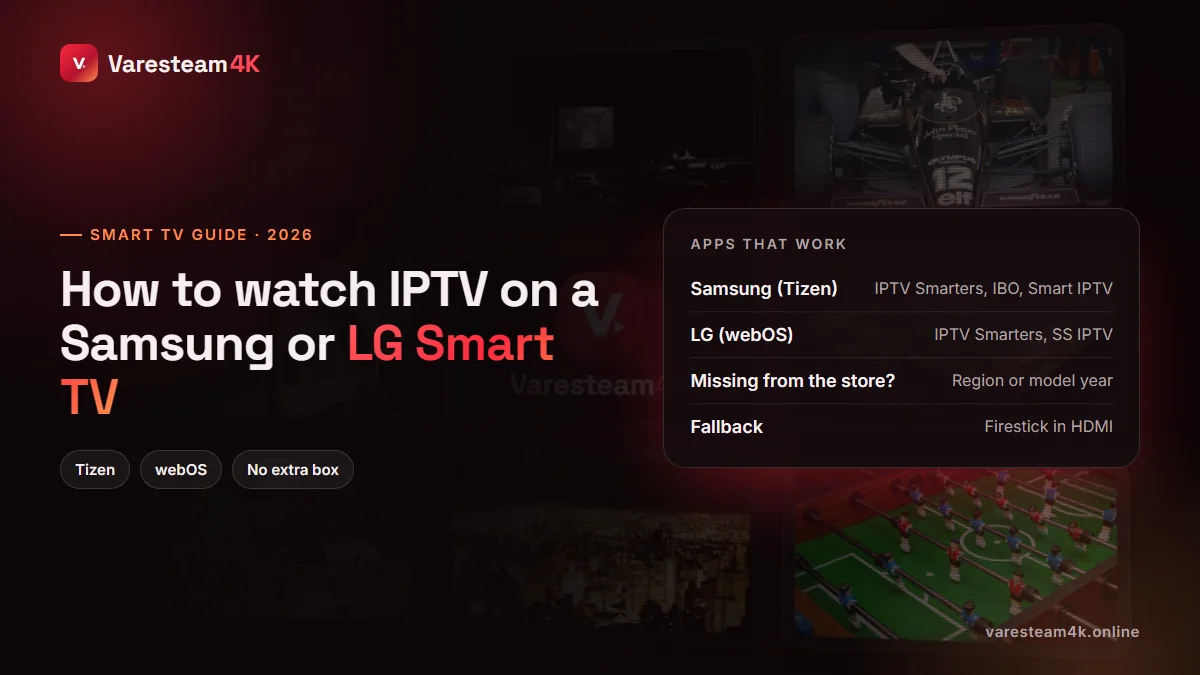
How IPTV works on a Smart TV
Exactly as on any other device: you install a player, the player asks for your login, and the channels load. The only real difference is how the login reaches the app. TV remotes make typing long URLs painful, so many Smart TV players are activated by MAC address: the app shows you a code, and you enter your playlist on the app’s website from your phone or computer. It sounds odd the first time; in practice it is quicker than typing with a remote.
IPTV apps for Samsung and LG TVs
| App | Samsung | LG | Login | Cost |
|---|---|---|---|---|
| IPTV Smarters Pro | Most regions | Most regions | Xtream Codes on the TV | Free player |
| IBO Player / IBO Pro | Yes | Yes | MAC + website upload | Trial, then one-time fee |
| Smart IPTV (SIPTV) | Varies by model | Yes | MAC + website upload | Trial, then one-time fee |
| SS IPTV | Yes | Yes | Playlist code / upload | Free |
| Set IPTV, Flix IPTV, Duplex-style apps | Yes | Yes | MAC + website upload | Trial, then one-time fee |
App availability changes by country and by TV model year, so treat this as a shortlist rather than a guarantee. Where an app charges, the fee is a one-time activation per TV, usually under $10, after a free trial week. That fee goes to the app developer, not to your IPTV provider.
Our pick: IPTV Smarters Pro if your TV store has it, because you log in directly on the TV with the Xtream details your provider sends. Otherwise IBO Player, which is polished and widely supported.
How to install IPTV on a Samsung Smart TV (Tizen)
Open Apps
Press Home on the remote and go to Apps (the four-square icon).
Search for the player
Use the magnifier and type IPTV Smarters (or IBO Player). Select it and press Install.
Open it and choose Xtream Codes
Enter any name, your username, password and the server URL exactly as sent, including http:// and the port.
Let it load, then add favourites
The first sync downloads channels, VOD and the guide. Add your regular channels to favourites to avoid scrolling with the remote.
Samsung TVs from around 2017 onwards run Tizen versions that support these apps. If yours is older, the store may simply not show them.
How to install IPTV on an LG Smart TV (webOS)
Open the LG Content Store
Press Home and open LG Content Store (called Apps on newer webOS versions).
Search and install
Search for IPTV Smarters, IBO Player, SS IPTV or Smart IPTV, then select Install.
Log in or activate
Smarters: Xtream Codes login on the TV. IBO and Smart IPTV: note the MAC address shown and add your playlist on the app’s website (see below).
Restart the app
Close and reopen it so the playlist loads. Then build your favourites list.
MAC-activated apps, explained in one minute
- Open the app on the TV. It displays a MAC address (and sometimes a device key).
- On your phone or computer, open the app’s official website and go to its playlist upload page.
- Enter the MAC and paste your M3U link — or the Xtream server, username and password, if the site offers that option.
- Restart the app on the TV. Your channels appear.
Two cautions. Only use the app’s own website — copycat sites exist. And never pay an IPTV seller for “app activation”; it is paid directly to the app developer. If you are unsure which link to upload, our M3U guide shows how to recognise it.
IPTV Smarters missing from your Samsung or LG store?
It happens, and it is rarely your fault. The common reasons:
- Region. Stores differ by country. On Samsung, the store follows the TV’s Smart Hub region set during setup.
- Model year. Older Tizen and webOS versions do not receive newer apps.
- Temporary removals. IPTV players are pulled from TV stores from time to time and return later, sometimes under a new name.
Do not install unofficial “Smarters for Samsung” packages from file-sharing sites. Pick another player from the table above, or use a stick.
When a streaming stick is the better choice
Smart TV processors are built to decode the TV’s own apps, not to juggle a 30,000-channel list and a seven-day guide. If your TV is slow to scroll, takes ages to change channel or keeps losing the app, a dedicated stick fixes all three for $30–60 and brings the full choice of Android players, including TiviMate.
| Smart TV app | Fire TV Stick / Google TV | |
|---|---|---|
| Extra cost | None (maybe app fee) | $30–60 once |
| Choice of players | Limited | Every major player |
| Speed with big lists | Varies, often slow | Fast |
| Updates | Depend on TV maker | Regular |
| Move to another TV | No | Unplug and go |
See the best streaming device for IPTV for specific models, and how to install Smarters on a Firestick once you have one.
Frequently asked questions
Yes. Install an IPTV player such as IPTV Smarters Pro or IBO Player from the Samsung app store, then log in with the details your IPTV provider sends you.
Press Home, open Apps, search “IPTV Smarters” and install it. If it does not appear, it is not offered for your region or model; use IBO Player or a streaming stick instead.
Yes. The LG Content Store offers several players, including IPTV Smarters in many regions, IBO Player, SS IPTV and Smart IPTV.
Because typing long URLs with a remote is impractical. You register the TV’s MAC on the app’s website and upload your playlist there; the TV then downloads it automatically.
No, if your TV store has a good player. A stick or box only becomes worthwhile when the TV is old, slow, or lacks the app you want.
Yes. Tell us your TV model when you request the free trial and we send the login format that suits your app — Xtream Codes or M3U.
The bottom line
Samsung and LG Smart TVs play IPTV well with the right app: IPTV Smarters where the store offers it, IBO Player or a similar MAC-activated player where it does not. If your TV is slow or its store is thin, a streaming stick is the cheaper fix than fighting it.
Related reading: Best IPTV player apps · IPTV Smarters alternatives · IPTV on Apple TV · Fix your TV guide