Does IPTV work on Apple TV? Yes — and on iPhone and iPad as well. Apple does not allow apps from outside the App Store, but it does not need to: several well-made IPTV players are listed there. They contain no channels; you add the login from your IPTV subscription, the same way you would on any other device.
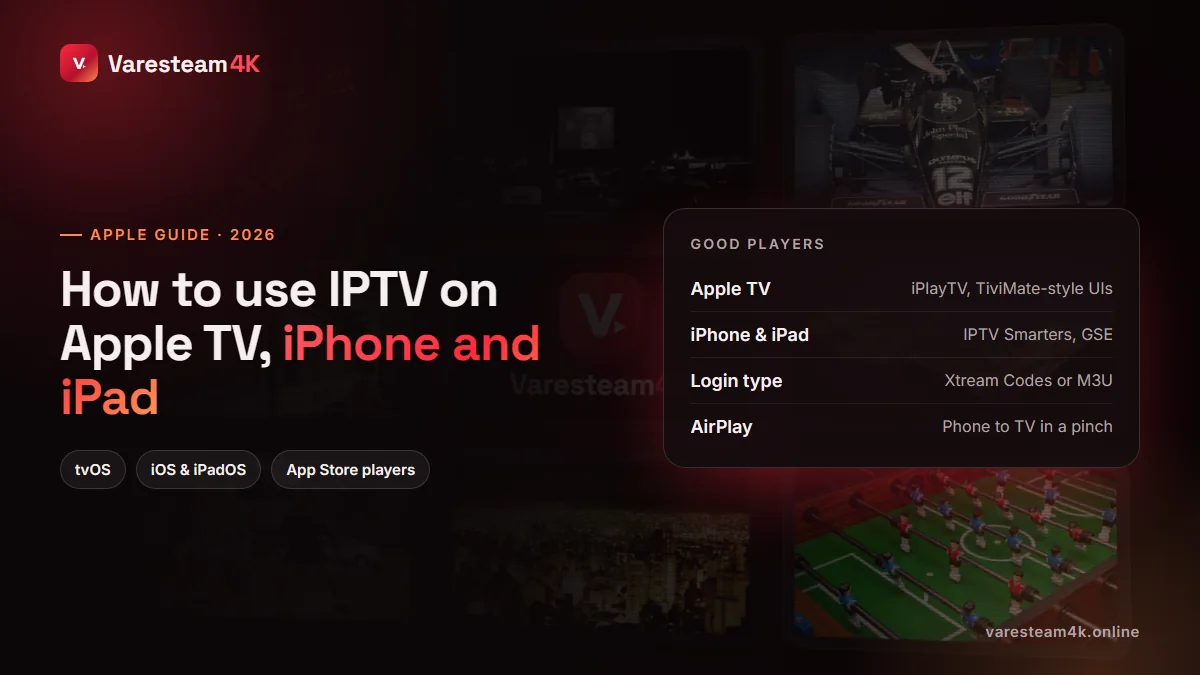
Can you watch IPTV on Apple TV, iPhone and iPad?
Yes, on any reasonably recent model. Apple TV HD and Apple TV 4K run tvOS players; iPhones and iPads run the iOS and iPadOS versions, many of which are the same app. An Apple TV 4K is in fact one of the best IPTV boxes you can buy: its processor is fast, its remote is good, and its frame-rate matching keeps sport smooth. Our streaming device comparison explains where it fits.
The best IPTV apps for Apple TV and iPhone
| App | Apple TV | iPhone / iPad | Good at | Price model |
|---|---|---|---|---|
| iPlayTV | Yes | — | Clean TV-style guide, fast zapping | One-time purchase |
| IPTVX | Yes | Yes | Polished design, iCloud sync between devices | Subscription / lifetime |
| IPTV Smarters Player Lite | Yes | Yes | Familiar layout, Xtream login | Free with options |
| GSE Smart IPTV | Yes | Yes | Many formats, recording on iOS | Free with in-app purchases |
| UHF | Yes | Yes | Simple, modern, good EPG view | Free with premium |
App names and prices on the App Store change, so read the latest reviews before paying. Our advice: try a free one first (Smarters Lite or GSE) to confirm your line works, then pay for the interface you like best.
How to set up IPTV on Apple TV
Open the App Store on Apple TV
Search for the player you chose, for example iPlayTV or IPTV Smarters, and install it.
Add a playlist or Xtream account
Choose Xtream Codes if you have a server URL, username and password; choose M3U / URL if you were given one long link.
Type with your iPhone
When the keyboard appears, your iPhone offers a notification to type on its screen. Accept it and paste the details — far faster than the Siri remote.
Turn on Match Frame Rate
In tvOS Settings → Video and Audio → Match Content, enable Match Frame Rate. Sport at 50 fps looks noticeably smoother.
How to set up IPTV on iPhone and iPad
The process is identical: install a player from the App Store, open it, and add your Xtream login or M3U link. Some apps let you scan a QR code or import a playlist from the Files app, which saves typing. Once it is working on the phone, many apps can sync the same profile to your Apple TV through iCloud.
On mobile data, drop the quality to HD in the player’s settings. A 4K stream can use several gigabytes per hour; see our data-use table.
AirPlay: get IPTV from your iPhone onto the TV
If the TV has an Apple TV attached, or is a recent Samsung, LG, Sony or Vizio model with AirPlay 2, you can send the picture from your phone: open the player, start a channel, tap the AirPlay icon and choose the TV. Some players hand the stream over directly, so the phone can even lock while the TV keeps playing; others mirror the screen, which drains the battery and drops quality. For daily viewing, a player installed on the TV itself (or an Apple TV) is always better.
Fixing common problems on Apple devices
| Problem | Likely cause | Fix |
|---|---|---|
| “Server not reachable” | App blocks plain http or wrong port | Check URL and port; try another player |
| Channels load, VOD does not | M3U used instead of Xtream | Re-add the account with the Xtream option |
| Guide empty or shifted | EPG not linked or wrong time zone | Refresh EPG, set time offset — EPG guide |
| Stutter on Apple TV over Wi-Fi | Wi-Fi distance or congestion | Use the ethernet port; it exists for a reason |
| Sound out of sync | Audio passthrough settings | Toggle the player’s audio output or decoder option |
Frequently asked questions
Yes. Install an IPTV player such as iPlayTV, IPTVX or IPTV Smarters Player Lite from the Apple TV App Store and add the login from your IPTV subscription.
Yes. Install a player from the App Store, add your Xtream Codes login or M3U link, and you can watch live TV and films anywhere you have a connection.
The App Store version is called IPTV Smarters Player Lite. It supports Xtream Codes logins and M3U playlists on iPhone, iPad and Apple TV.
No. All the players mentioned here are ordinary App Store apps. Avoid any instructions that ask you to jailbreak or install profiles.
Yes, on as many devices as you like. How many can play at the same time depends on the connections in your plan.
Yes. Varesteam4K lines work in every player above. Ask for the free 24-hour trial on WhatsApp and mention you are on Apple TV or iPhone.
The bottom line
IPTV on Apple TV, iPhone and iPad is straightforward: an App Store player, your Xtream login, and a couple of settings. An Apple TV on ethernet with Match Frame Rate turned on is one of the best IPTV setups you can have.
Related reading: Best IPTV player apps · IPTV on Samsung & LG TV · M3U playlists explained · How to get IPTV